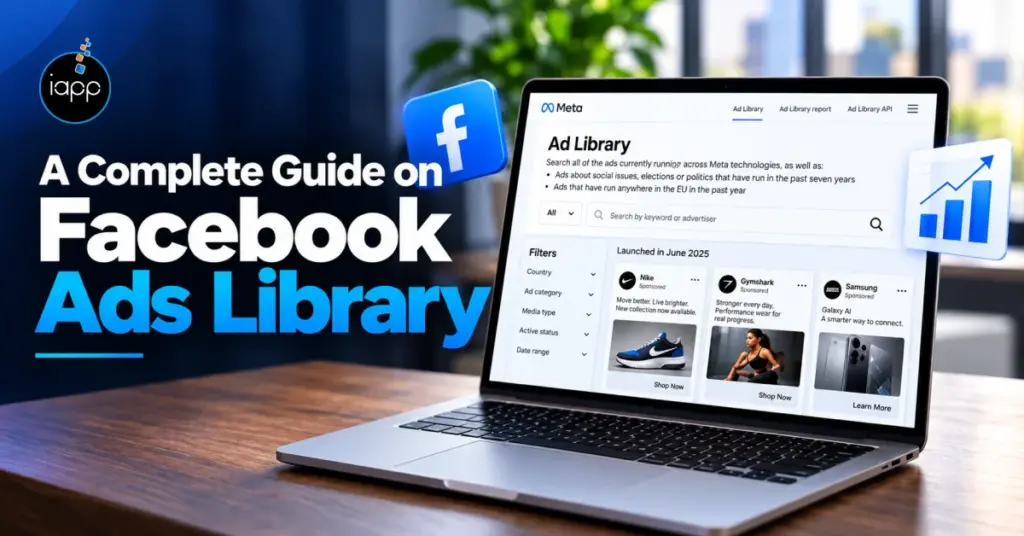
The Facebook Ads Library is a free Meta resource for researching active ads from competitors and other advertisers. You can search advertisers, keywords, countries, platforms, formats, and other available filters.
The need for this research is growing as social advertising becomes more competitive. IAB reported $117.7 billion in U.S. social media ad revenue in 2025, up 32.6% year over year. With more advertising investment going into social platforms, competitor research can help marketers spot recurring offers, creative formats, messaging angles, and campaign patterns. This guide explains how to use Facebook Ads Library and turn those observations into practical campaign tests.
What Is Facebook Ads Library?
The Facebook Ads Library is Meta’s public database of ads running across its platforms.
It helps marketers review active advertising from brands, businesses, and public pages.
Meta refers to this resource as the Meta Ads Library.
The tool is useful for:
- Reviewing competitor ad creatives
- Studying offers and messaging
- Comparing different ad formats
- Checking active campaigns
- Finding ideas for new campaign tests
Facebook also remains widely used in the U.S. Pew Research Center found that 70% of U.S. adults used Facebook in 2026. The key point is simple. The library shows what advertisers are running, but not their complete campaign performance.
How to Use Facebook Ads Library Step by Step
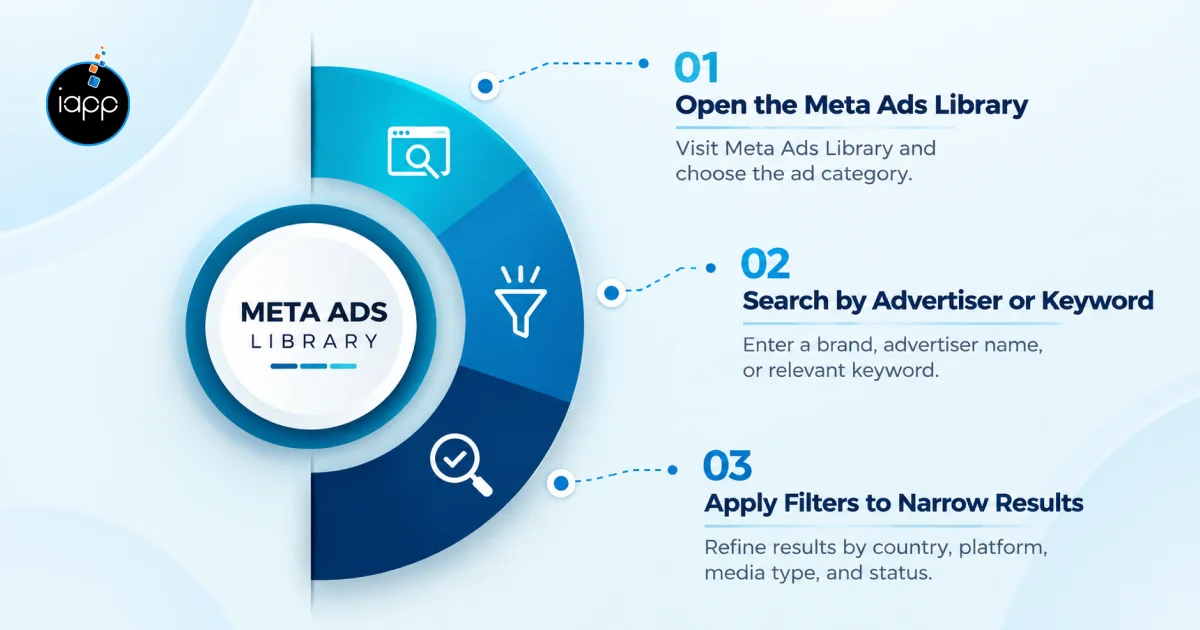
The basic process takes only a few minutes. You select the market, search for an advertiser or keyword, and then filter the results.
Open the Meta Ads Library
Generic Facebook Ads Library USA research is pretty simple and easy. Start with the Meta Ad Library and select the United States. Then Choose “All ads” when researching commercial campaigns.
Search by Advertiser or Keyword
Facebook Ads Library search by advertiser for direct competitor research. Enter a brand name when researching one competitor. Use Facebook Ad Library search by keyword for broader market research. When researching a wider market, enter a product or service term.
Apply Filters to Narrow Results
Use available filters to reduce irrelevant results.
Useful filters can include:
- Country
- Platform
- Media type
- Active status
- Language
For example, an e-commerce brand can review U.S. video ads first. This creates a smaller research set than reviewing every available result.
What Can You See in the Facebook Ad Library?
The library provides useful information about visible ad creative and messaging.
However, it does not provide every campaign metric.
| Information | What You Can Analyze |
|---|---|
| Ad creative | Visual direction and format |
| Primary text | Messaging and hooks |
| Headline | Offer or product angle |
| CTA | Intended next action |
| Start date | Campaign duration |
| Platform | Placement strategy |
| Ad variations | Creative testing patterns |
You can use these details to compare several advertisers. These can also identify repeated offers or messaging themes. However, do not treat visible ad data as confirmed performance data. For example, an active ad does not prove its ROAS, CPA, or conversion rate.
How to Use Facebook Ads Library for Competitor Research
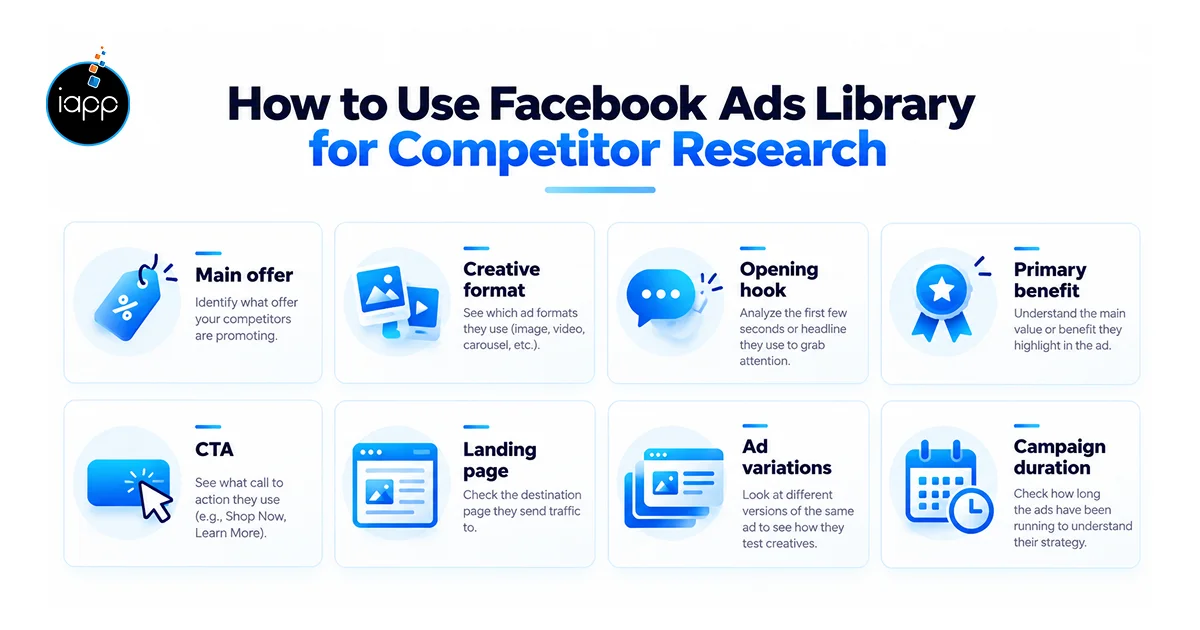
Facebook Ads Library competitor research works best with a fixed research process.
Start with three to five direct competitors in the same market.
For each advertiser, record:
- Main offer
- Creative format
- Opening hook
- Primary benefit
- CTA
- Landing page
- Ad variations
- Campaign duration
This creates a simple competitor research sheet.
For example, a U.S. skincare brand may review five competing brands. It may find that four competitors promote bundles rather than individual products. That finding can support a new bundle test. It does not mean the brand should copy those offers.
What Should You Analyze in a Competitor’s Facebook Ads?
Look at the complete ad message, not just the image or video. A useful review connects the creative, offer, copy, CTA, and landing page.
Focus on four areas:
- Creative: Video, image, carousel, product demo, or creator content
- Messaging: Problem, benefit, proof, urgency, or positioning
- Offer: Discount, bundle, free trial, consultation, or lead magnet
- Conversion path: Ad promise, landing page, form, or checkout
One practical method is an ad research scorecard. Score each competitor from 1 to 5 across the eight research fields. Then compare the totals across competitors. Remember, the score is not a performance estimate. It simply keeps your research consistent and easier to review.
That distinction matters for Facebook Ads Library for competitor research. A long-running ad may deserve attention, but longevity alone does not prove profitability.
How Can Facebook Ads Library Improve Your Meta Campaigns?
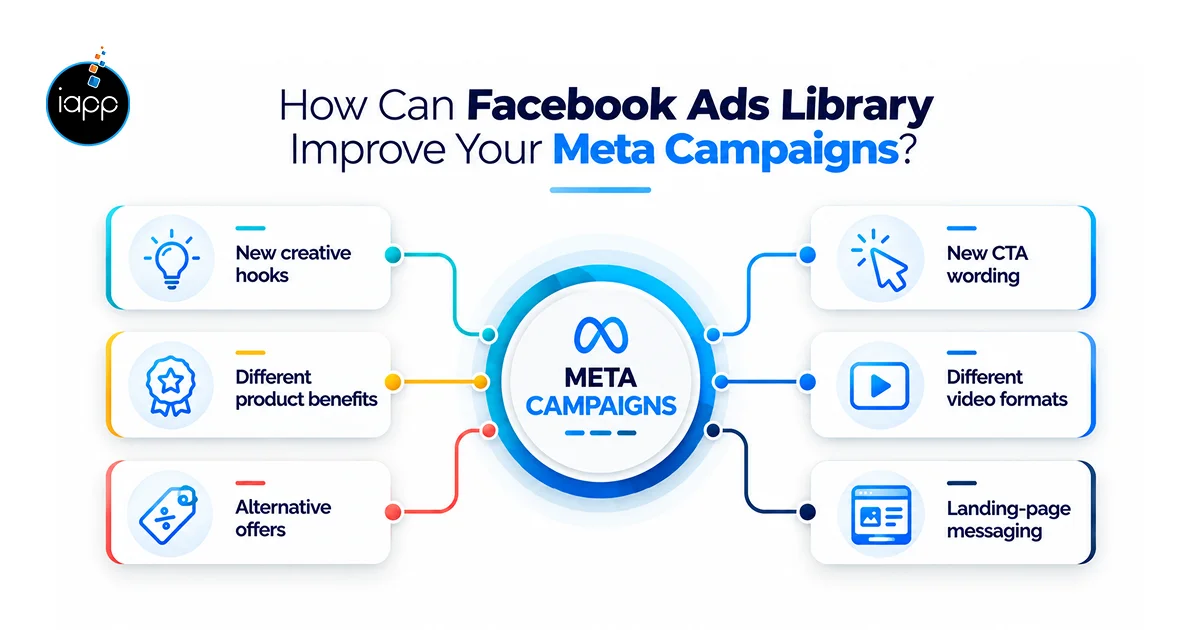
The Facebook Ads Library becomes more useful when research leads to specific campaign tests. Do not simply collect screenshots without deciding what they mean.
Use your findings to create tests around:
- New creative hooks
- Different product benefits
- Alternative offers
- New CTA wording
- Different video formats
- Landing-page messaging
For example, a DTC brand may notice frequent product demonstrations. It can test demonstration-led creative against its current product-image ads. A second test could compare a discount hook with a problem-focused hook. Set a clear test window before deciding which variation performs better.
A practical starting point is to start with two to four creative variations per concept. Keep the audience and offer unchanged when testing creatives.
Facebook Ads Library vs. Paid Ad Intelligence Tools
The Facebook Ads Library is useful for manual research. Paid tools become more useful when teams need monitoring or broader historical data.
| Capability | Facebook Ads Library | Paid Intelligence Tool |
|---|---|---|
| Competitor ad discovery | Yes | Yes |
| Creative research | Yes | Yes |
| Basic filtering | Yes | Usually |
| Automated monitoring | Limited | Usually |
| Historical tracking | Limited | Often |
| Ad organization | Manual | Often automated |
| Performance estimates | Limited | Tool dependent |
| Cost | Free | Paid |
A small business may only need the free library. On the other hand, a media buying team monitoring 20 competitors may need automation.
How iApp Can Help With Facebook Ads
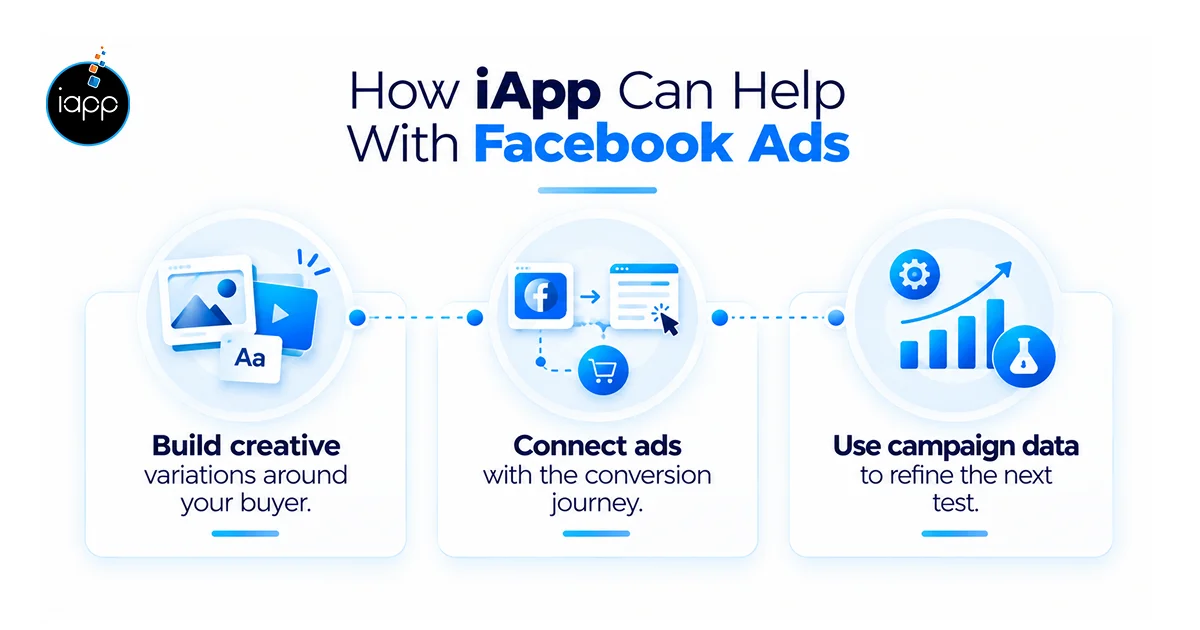
We use competitor research as a starting point for campaign decisions. Our focus stays on your audience, offer, creativity, and conversion goals. We review competitor patterns across ads, offers, messages, and landing pages.
Then we turn those findings into practical testing priorities.
Our process includes:
- Competitor selection
- Ad pattern review
- Creative gap analysis
- Testing priority
- Campaign recommendations
Build Creative Variations Around Your Buyer
Our team create different hooks based on buyer needs and product benefits. Each concept can then use suitable formats for Feed, Stories, or Reels.
We can test:
- Product demonstrations
- Problem-focused hooks
- Benefit-led messages
- Offer-led creatives
Connect Ads With the Conversion Journey
We check whether the landing page supports the ad promise. This helps reduce gaps between the click and the next action. We review the ad, landing page, form, offer, and CTA together. That gives the campaign a clearer conversion path.
Use Campaign Data to Refine the Next Test
Our review results after enough data has been collected. Then we reduce weak variations and plan the next testing cycle. Our work can cover paid social strategy, creative testing, landing pages, and campaign optimization.
Key Takeaways
- The Facebook Ads Library is free for public advertising research.
- Use advertiser searches for direct competitor analysis.
- Use keyword searches for broader market research.
- Review creative, messaging, offers, CTAs, and landing pages.
- Do not treat ad longevity as proof of campaign profitability.
- Turn research findings into controlled creative and offer tests.
Conclusion
The Facebook Ads Library gives marketers a practical way to study active Meta advertising.
Used properly, it can support competitor research, creative planning, and campaign testing.
At iApp Technologies, we combine paid social strategy with creative and landing-page planning. Our Facebook ads experts can also run lucrative campaigns for your business. We focus on measurable campaign outcomes, from stronger ad engagement to qualified leads and sales. Whether you are launching a new campaign or improving existing Meta ads, our team can help plan, launch, test, and optimize your paid social campaigns.
FAQs
Is Facebook Ads Library free to use?
Yes, the Facebook Ads Library is publicly available for ad research without a paid subscription.
Do you need a Facebook account to use Facebook Ads Library?
The library is publicly accessible, although access requirements can vary by feature or ad category.
Can you see how much a competitor spends on Facebook ads?
For regular commercial ads, the library does not provide verified competitor spend or ROAS.
Can you see deleted Facebook ads in Ads Library?
Availability depends on the ad category and Meta’s retention rules.
Regular commercial ads may not provide the same historical access as regulated categories.
Can I search Facebook Ads Library by product?
Yes, keyword searches can help find ads using a product name, service term, or category.
Can Facebook Ads Library show who a competitor targets?
No, the Library does not provide a complete view of an advertiser’s audience targeting settings.
How often should I check Facebook Ads Library?
Weekly checks work well for active competitors, while campaign research may require more frequent reviews.
Is Facebook Ads Library accurate for competitor research?
It is useful for observing visible advertising, but it does not show complete campaign performance.